The guest does not understand the menu.
A guest at an unfamiliar kitchen looks the dish names up on Google. The QR opens a host for this restaurant: it answers from the menu and the details you entered, and the order becomes a kitchen ticket.
A demo we built ourselves. Not a customer, no logo.
A host for this restaurant
The host answers only from what you enter for this restaurant: this menu, recipes, allergens and the venue details. It does not invent an answer, and it does not pull one from Google. If you have not entered it, the host says so briefly.
Ingredients and house recipes
“Does your Hyderabadi biryani use milk?”
What goes with it
“What goes best with it?”
How this dish differs
“How is this different from a regular biryani?”
Price and share size
“What does it cost, and how many people can share?”
Dish photos
“Is there a photo of the dish?”
Address and hours
“Where are you, and what are your hours?”
Offers
“Is there an offer today?”
From confusion to a kitchen ticket
The guest stays at the table.
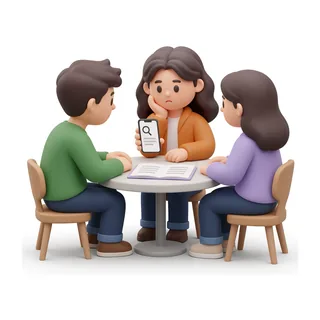
1. Problem
The names mean nothing
Searching at the table.
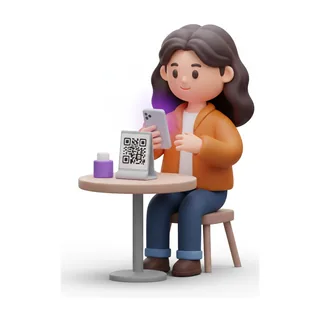
2. QR
The camera opens the menu
No app. In their language.
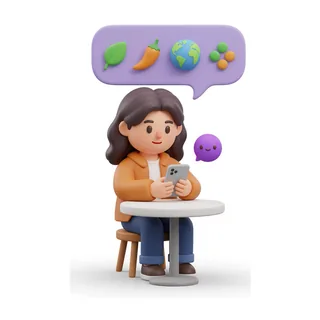
3. Clarity
The table gets a plan
Allergens, spice, a plan.
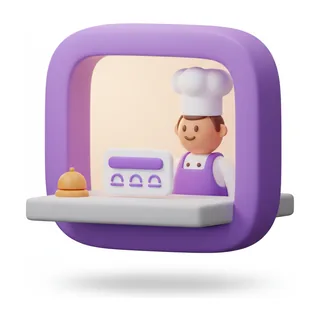
4. Kitchen
The order becomes a ticket
They pay at the counter.
The guest asks in Dutch
One menu. The answer comes back in the guest’s language.
Guests pay at the counter.
With the cash register or payment system you already use. This product does not replace it. You start with a QR on the table and a ticket to the kitchen. A kitchen screen can join later, in the same login.
Put the QR on the table.
From €49 a month. The guest stops Googling.